Toolbox
Quick Links
A hand-picked collection of useful links for everyday development work.
[
  { "name": "Desmos", "link": "https://www.desmos.com/calculator" },
  { "name": "Vercel", "link": "https://vercel.com" },
  { "name": "Easings", "link": "https://www.easing.dev/" },
  { "name": "GSAP Easings", "link": "https://gsap.com/docs/v3/Eases/" },
  { "name": "Claude", "link": "https://claude.ai/new" },
  { "name": "ChatGPT", "link": "https://chatgpt.com/" },
  { "name": "Linear", "link": "linear.app" },
  { "name": "Shadcn", "link": "https://ui.shadcn.com/docs/components" },
  { "name": "Dice UI", "link": "https://www.diceui.com/docs/introduction" },
  {
    "name": "Registry",
    "link": "https://registry.joyco.studio/components/file-button"
  },
  {
    "name": "Tailwind Config",
    "link": "https://tailwindcss.com/docs/theme#default-theme-variable-reference"
  },
  { "name": "Font Transformer", "link": "https://transfonter.org/" },
  { "name": "Favicon Generator", "link": "https://realfavicongenerator.net/" },
  { "name": "JSON Debugger", "link": "https://jsonhero.io/" },
  {
    "name": "HEX Opacity Table",
    "link": "https://gist.github.com/lopspower/03fb1cc0ac9f32ef38f4"
  },
  {
    "name": "Smooth Gradient Generator",
    "link": "https://smooth-overlays.vercel.app/"
  },
  {
    "name": "PNG Compressor",
    "link": "https://tinypng.com/"
  }
]
Manual import to Raycast
- Download the
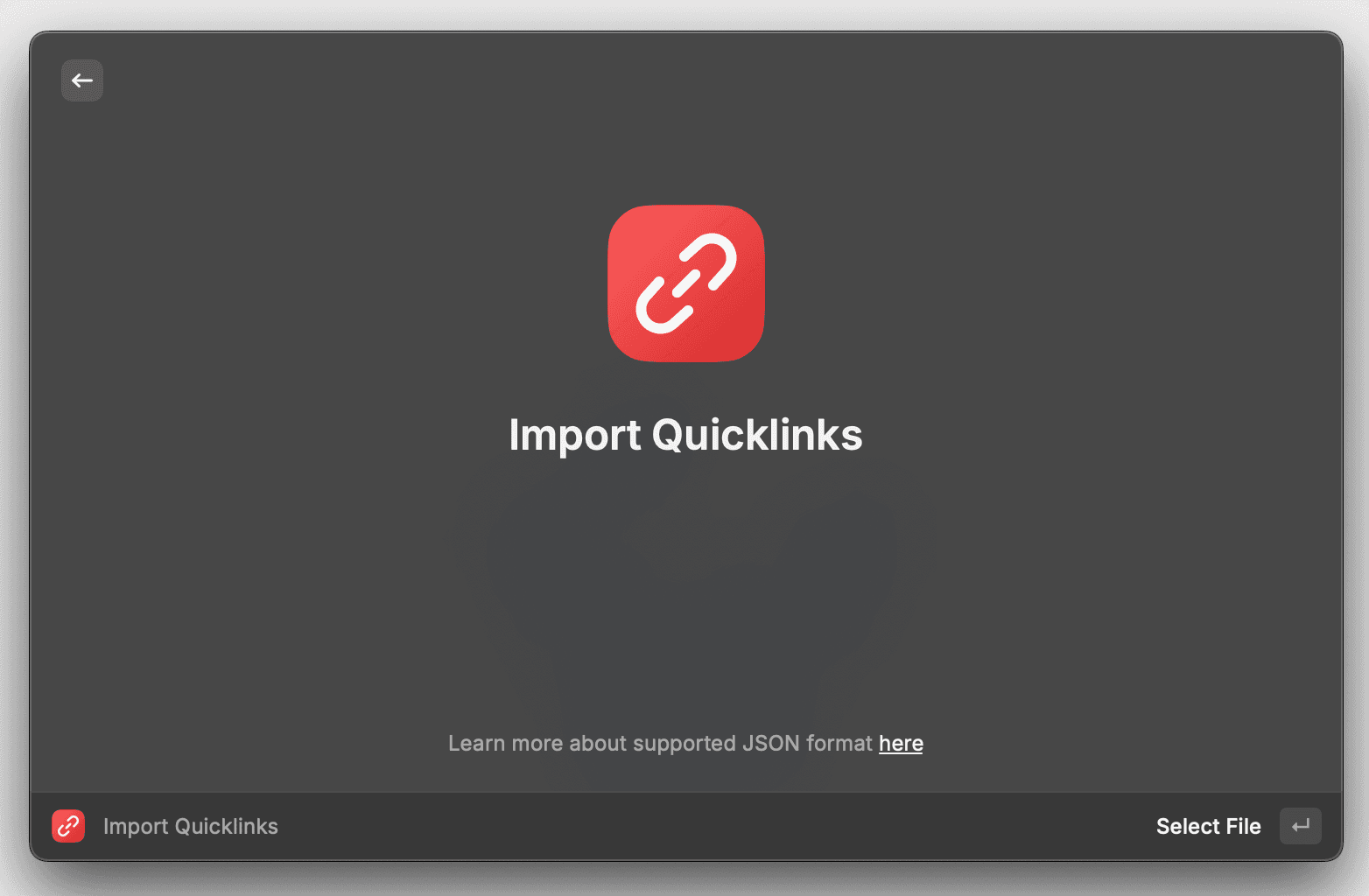
quicklinks.jsonfile from this page. - Open raycast and search for "Import Quicklinks", press
Enterand select the downloadedquicklinks.jsonfile.
Pull new links with Raycast
If you already cloned the 📘 scripts repository and you've added to you raycast scripts directory, you can search for the "Pull Quicklinks" script.

It will download the latest quicklinks.json file from the registry at the ~/Downloads directory. Then you should manual import by doing the 2nd step of the manual import.